
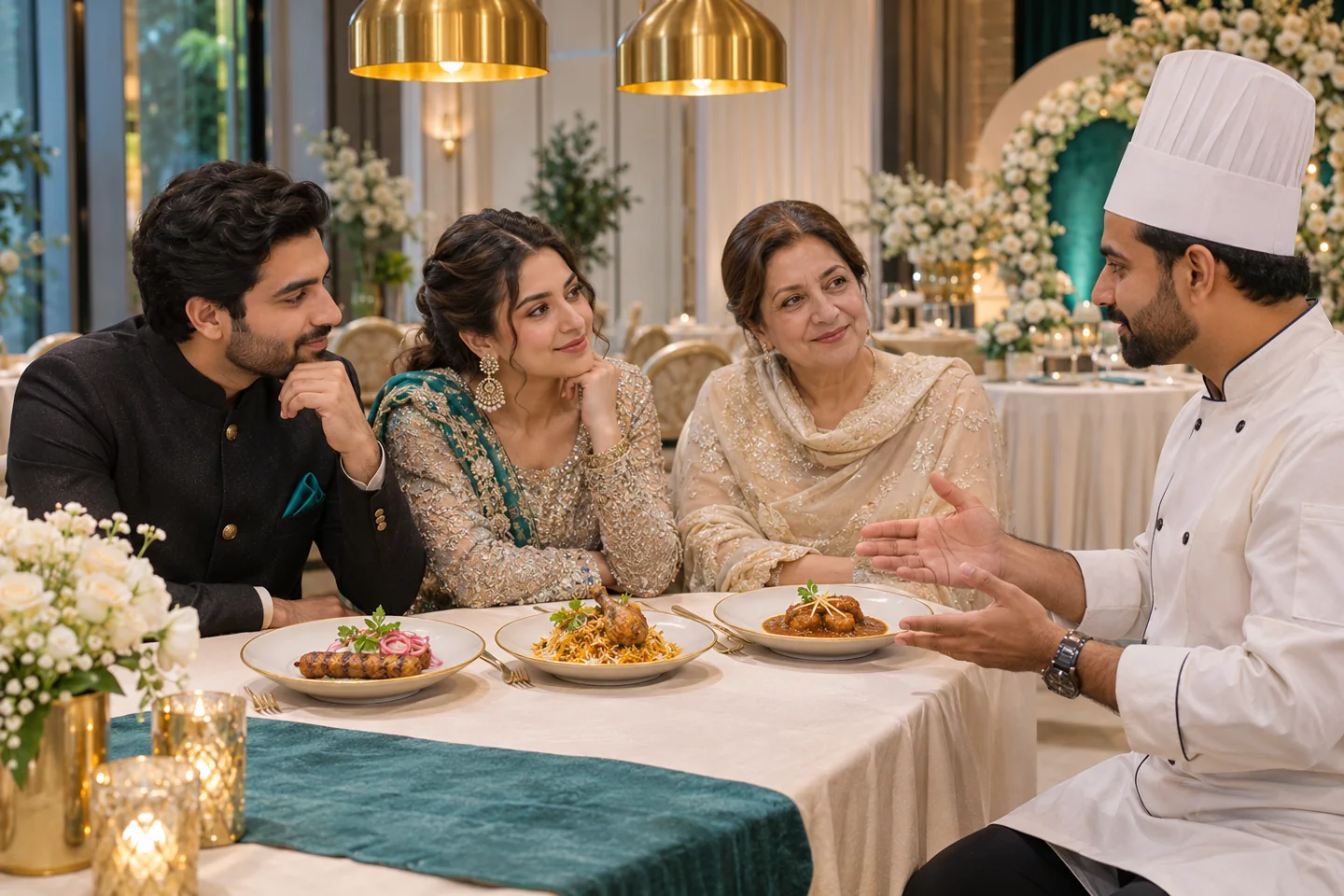
A wedding menu tasting is a small appointment with several people to coordinate: the couple, selected family members and the caterer. A vague “we will come with the family” makes it harder to agree tasting portions, seats and who will make the final menu decision.
Use Mabrouk to collect a clear attendance answer before the tasting. Share one RSVP link with the invited decision-makers, review submitted Yes, No and Maybe responses with headcounts, and give your caterer a checked planning number.
Agree the tasting arrangements with the caterer first
Confirm the date, time, location and number of people the caterer can accommodate. Ask directly about any tasting charge, dishes offered and dietary requests. These are arrangements between you and the caterer; an RSVP response is not a booking or payment confirmation.
Decide which relatives actually need to attend. A focused guest list helps you discuss the menu without turning a supplier appointment into a wider family gathering.
Send an invitation that defines the headcount
We are meeting [Caterer] for our wedding menu tasting on [Date] at [Time], at [Location]. Please confirm by [Reply Date]: [Mabrouk RSVP Link]. Include yourself and only the family members we have invited with you. Please send dietary requirements to [Contact] directly before the appointment.
Ask one person to coordinate a household’s response when relatives are attending together. If three people are included in that answer, they should not each submit another household count. Clear wording helps keep your reviewed number useful.
Separate attendance from menu approval
Mabrouk collects attendance answers. Keep dish ratings, dietary discussions and approval of the final menu in a separate note or conversation with your caterer. Agree who has authority to approve changes before the tasting begins.
For example, two family responses might represent five attendees. Tell the caterer the reviewed number of people, rather than only the number of Yes replies. Keep uncertain answers separate and follow up personally before the caterer’s preparation deadline.
Use a separate event for a separate appointment
Your tasting guests are not the same as the wedding guest list. Create a dedicated event for this appointment so its responses stay distinct from the mehndi, barat or walima. If you arrange another tasting on a different date, request a fresh answer for that occasion.
Check responses against the original invitation list. A general shareable link cannot identify everyone who has never submitted a response, so keep your own record of whom you invited.
Put a practical RSVP process to work before the wedding
Your first 5 Mabrouk events are free, with no credit card required. A tasting appointment is a useful occasion to experience creating an event, sharing a link and reviewing answers before coordinating a larger function.
Guests respond in a browser without downloading an app or creating an account. When you need more events, compare the single-event option and larger packs against your wedding functions or planning bookings. Paid capacity is a one-time purchase with no monthly subscription.
Start with the next concrete appointment on your calendar. A clear response request gives you something useful to take into the supplier conversation.
Your next event, better organized
Bring a clearer headcount to your menu tasting.
Create your tasting event free, collect family confirmations and compare paid plans for your upcoming wedding functions.
5 free events · No credit card required · One-time paid plans