
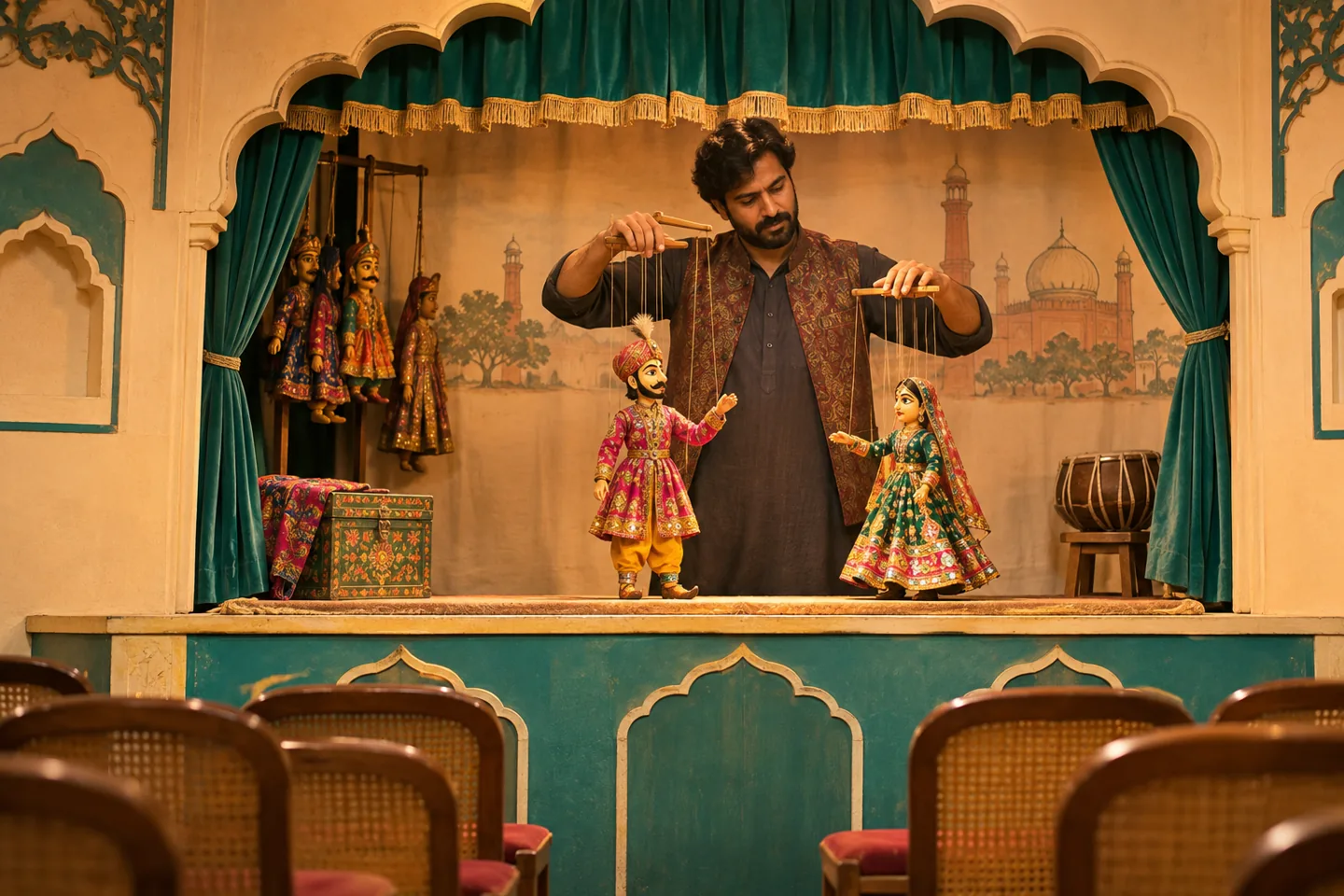
A family puppet show in Lahore can fill a small room quickly when children attend with parents and siblings. A Mabrouk RSVP link lets your community team collect the whole invited group’s headcount before arranging audience seats.
Agree on the room layout first
Ask the venue and performer how much space the stage needs, then confirm the audience capacity for that layout. If there are 40 audience seats, count accompanying adults as part of those 40. Put that expectation in the invitation so families know whom the invitation covers.
Ask for one reply per invited family
Share the link on WhatsApp with the venue entrance, doors-open time and performance start. Ask one person per household to choose Yes, No or Maybe and enter the total attending, including the responding adult. If you also need a child-and-adult breakdown, ask families to send it through your usual contact channel and keep it with your seating notes.
Plan seats from people, not messages
For example, eight confirmed households could represent 26 people. Use that total when setting chairs, then follow up with tentative families before offering remaining places. Review the dashboard before giving your final expected count to the venue. Keep enough time between doors opening and the show for families to find seats.
Give volunteers an arrival checklist
Export the guest list as a CSV to prepare check-in and assign a volunteer to direct families into the room. Send any last-minute arrival update in the original invitation thread so guests can find it alongside their event details.
Mabrouk includes five free events. Try one for this performance, then compare the one-time event packs if your venue runs several family events through the year.
Your next event, better organized
Count your puppet-show audience before arranging seats
Start with a free RSVP link or compare event packs if your venue hosts a regular family programme.
5 free events · No credit card required · One-time paid plans